The winter road report for the drive to your Tahoe resort, live and at a glance
Sierra highways close and chain checkpoints go up with little warning. TahoeDrive boils every mountain highway and pass on your route down to one status: open, chains, or closed. It reads Caltrans, NDOT, CHP, and other sources navigation apps skip.
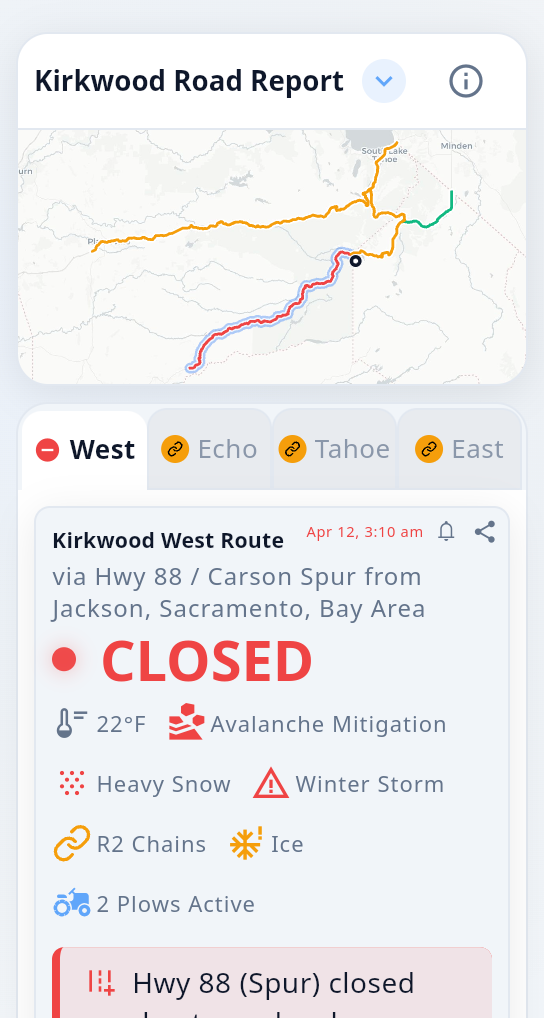
We read every source so you don't have to
A dozen feeds, weighed by reliability and freshness and combined into a single status per route. When they disagree we sort it out; when the picture is thin, we say so.
Find your resort
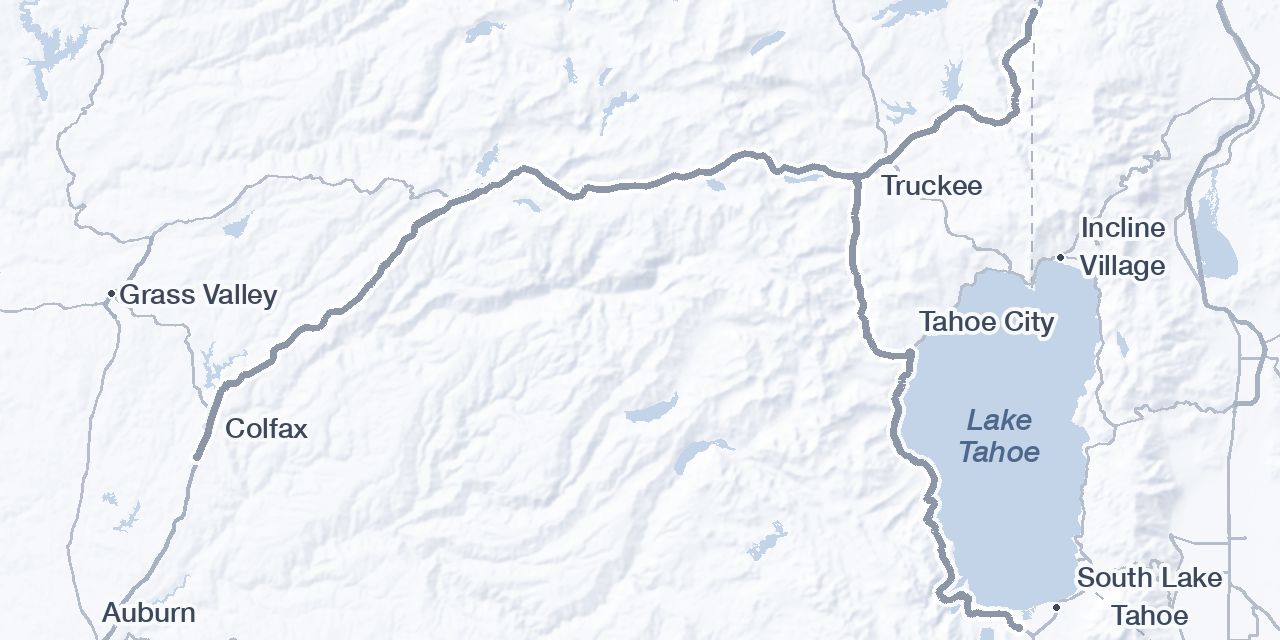
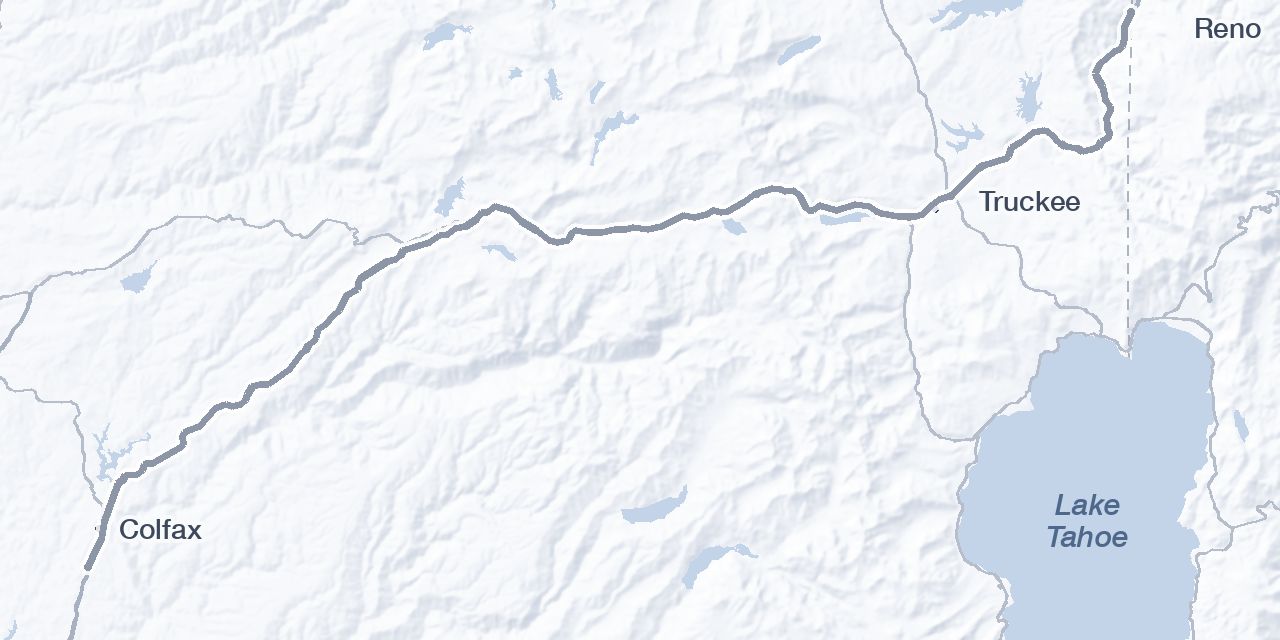
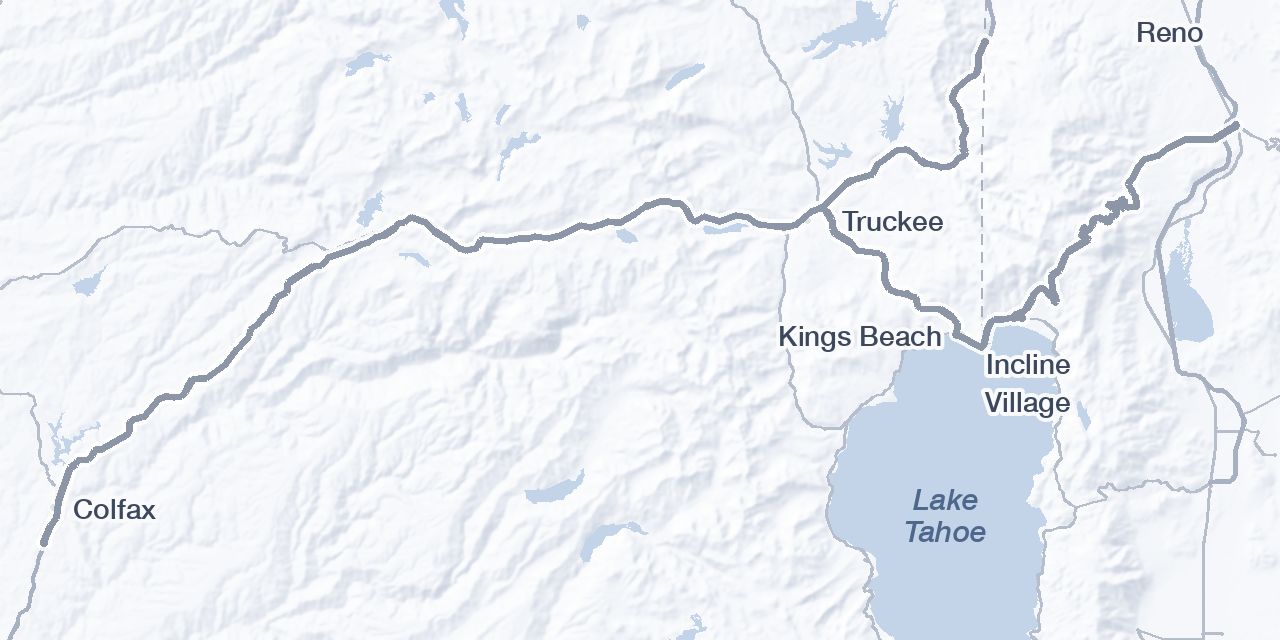
Pick where you're headed for a route-by-route read of the drive. Every card opens the full report: the why behind each status, live cameras, storm alerts, and more. It stays readable in a dead zone.
Not skiing? These are the main highways into the basin, so pick the resort nearest where you're headed. New to winter driving? Each card links a driving guide that walks the road, the chain checkpoints, and where conditions turn.
South Lake Tahoe
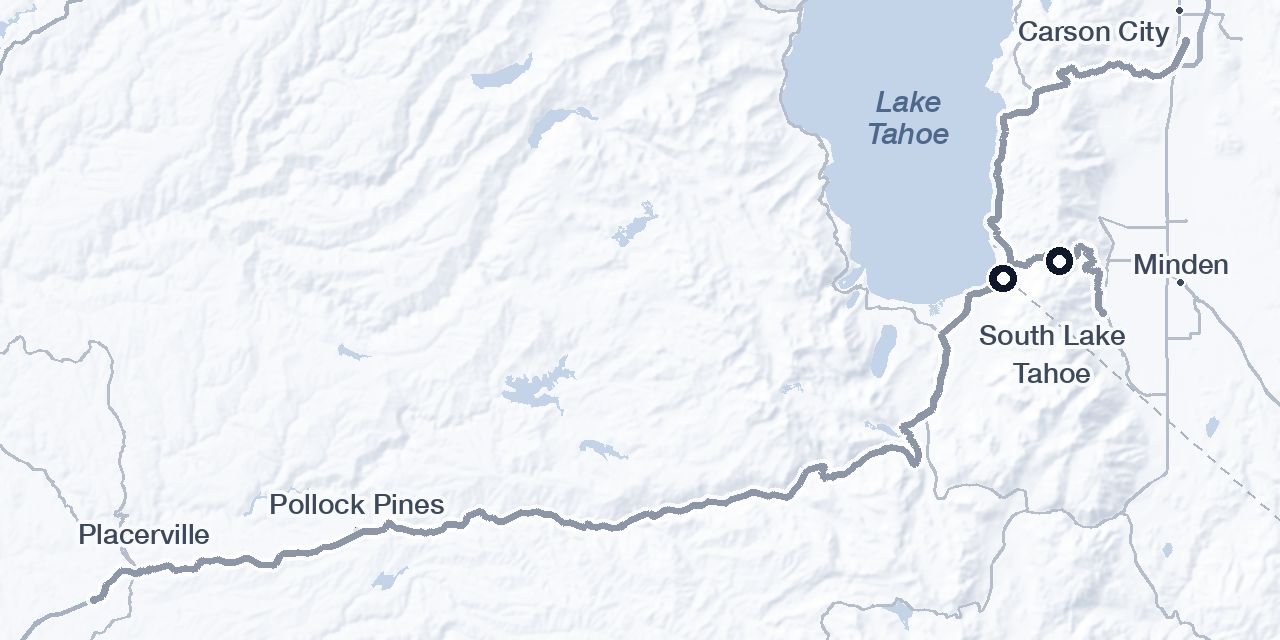
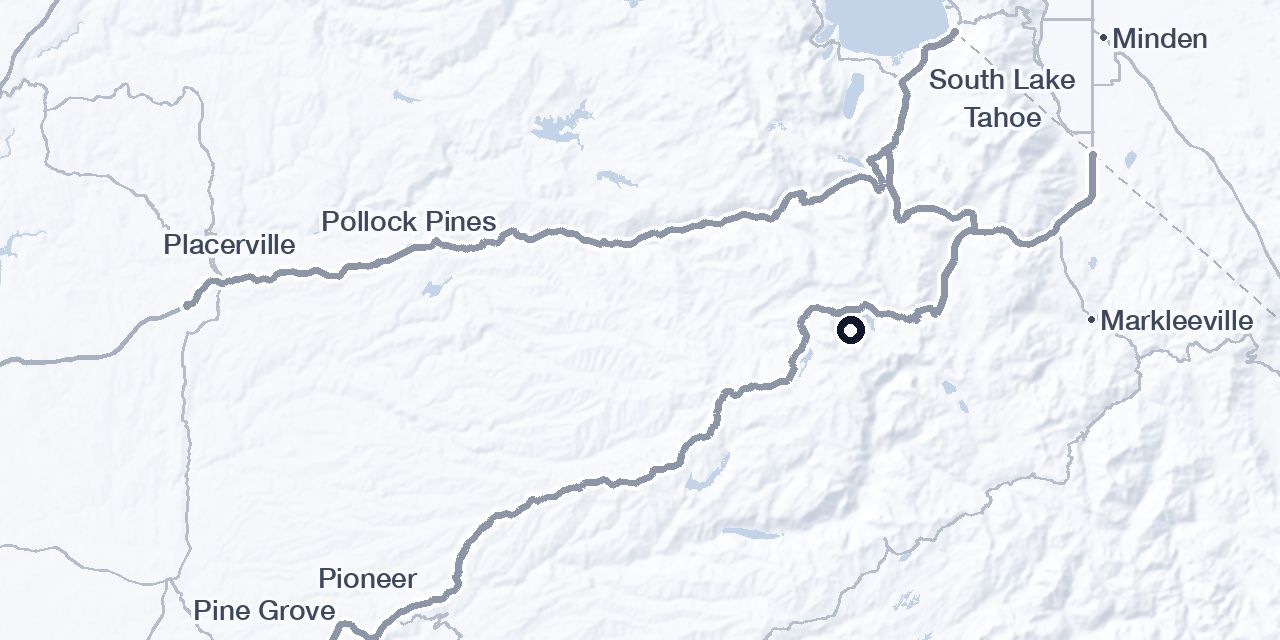
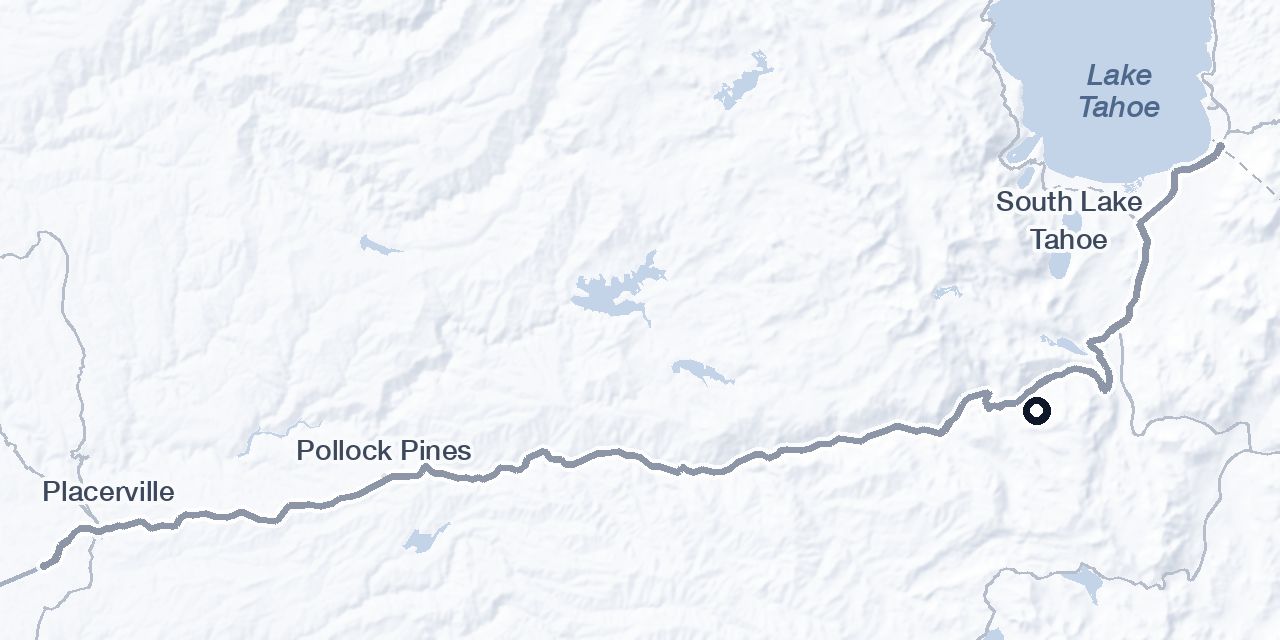
North Lake Tahoe
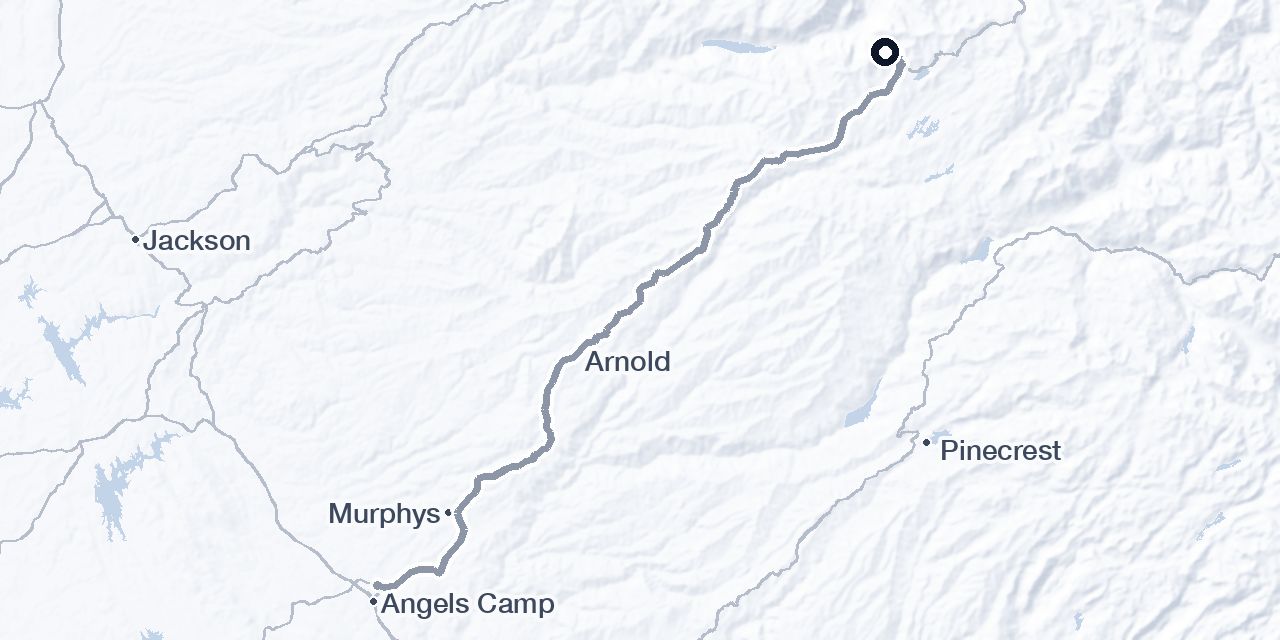
Near Tahoe
A bit further from the lake, but still nearby.
How it works
Pick your resort
Get only the road information that matters for your approach, without the noise.
Read one status
Chain controls, closures, incidents, cameras, and weather, reconciled into one clear status for each route.
Set an alert
Turn on alerts for the routes you pick and we'll push a notification when chain controls go up or the road closes, so you hear about it before you're on the road.
Keep it one tap away
Open the appOpen the app first, then add it to your home screen. Offline mode and alerts only work from the installed app, not from this page.